Create an Application
An application represents a technical identity that allows external services to access the API.
🔐 Prerequisites
- The API must be activated (see previous page)
- Administrator access required
📝 Creation Steps
1. Go to the ADMIN application
Log in and open the API menu.
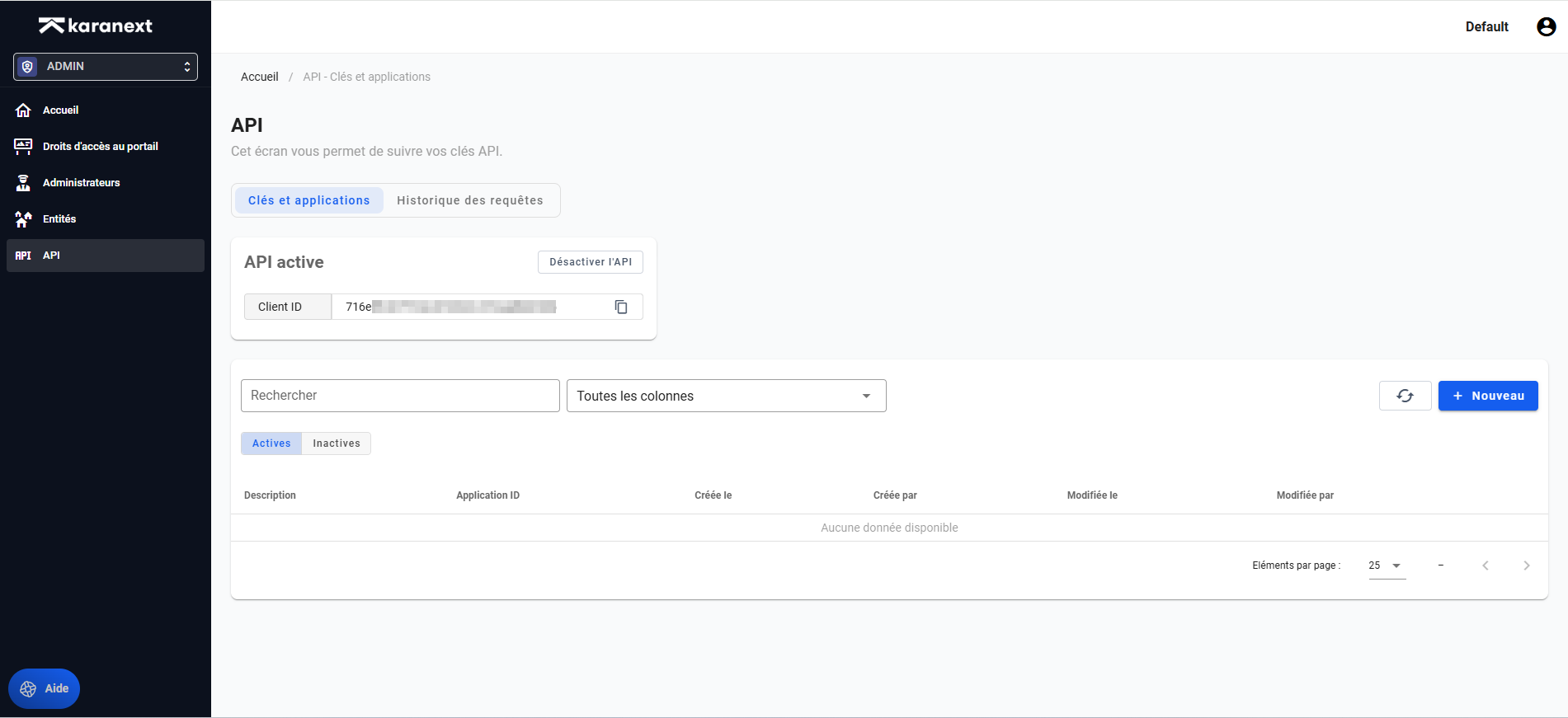
2. Check API activation
If your API is not active, click the Activate API button.
3. Create a new application
Click the new button to display the application creation form.
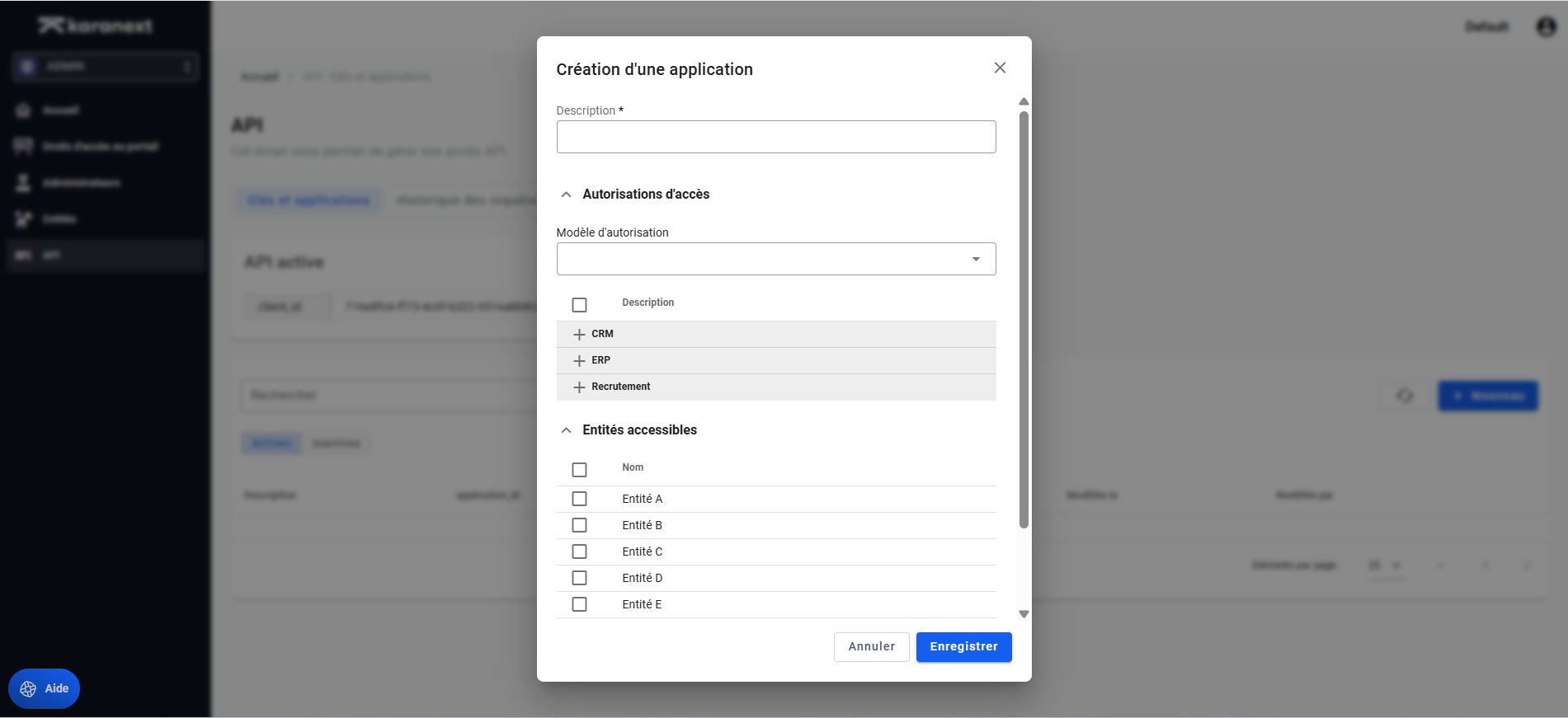
4. Fill in the information
A. Description
Examples:
- CRM Integration
- Internal Synchronization
B. Define the scope
You can limit:
- Permissions:
- Read an object (e.g., Contact)
- Write an object (e.g., Contact)
- Entities: If you have multiple entities, you can select the scope of your application for these entities.
5. Save the application
Click Save.
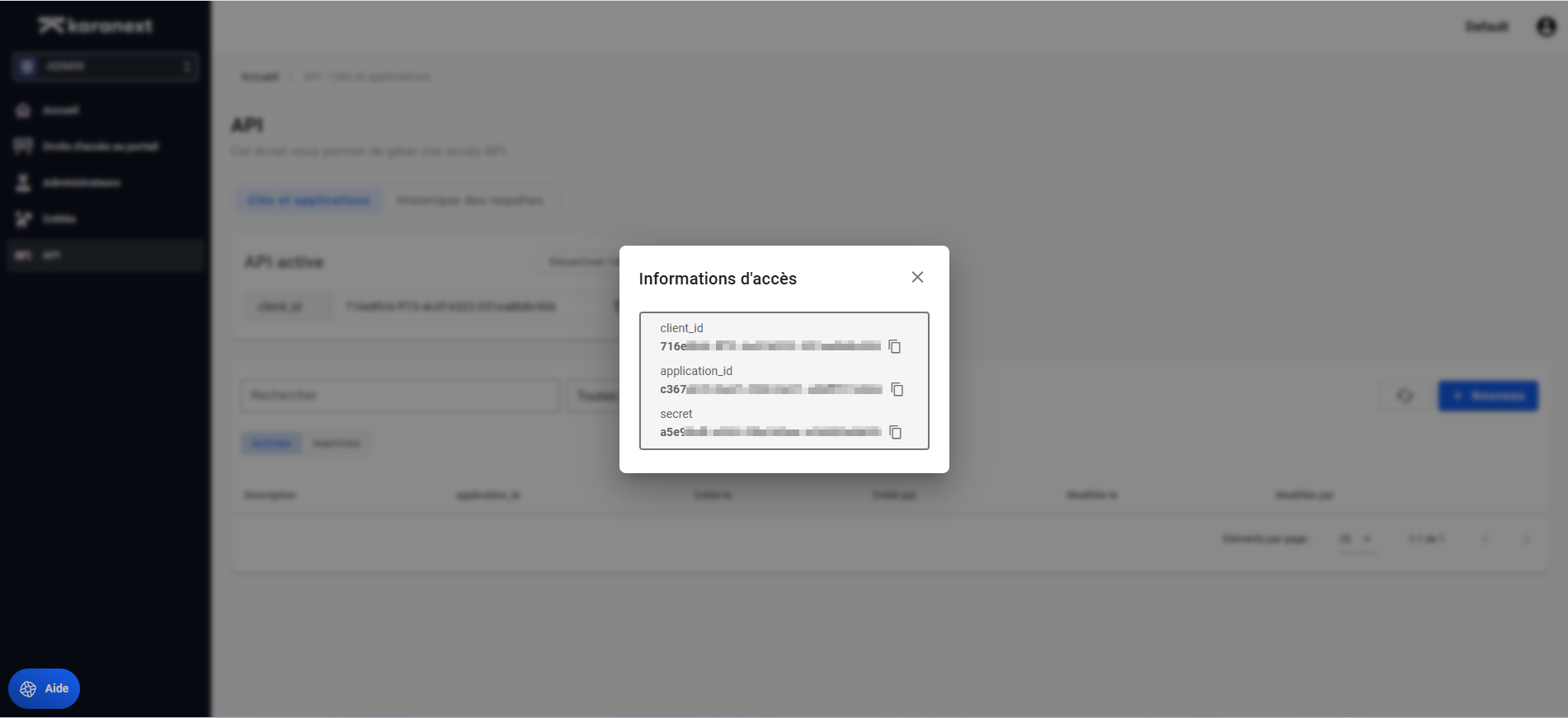
The interface will then display:
client_idapplication_idsecret(visible only during creation)
⚠️ Keep the secret safe as it will not be accessible again.