

Activate the API
Activating the API is an essential step to allow administrators to create applications and authorize external integrations.
🔐 Prerequisites
- A Karanext account.
- Access to the ADMIN application with administrator permission.
📝 Steps to activate the API
1. Access the ADMIN application
Open the ADMIN application from your Karanext account.
2. Activate the API
In the sidebar menu, open the API section and click the Activate API button.
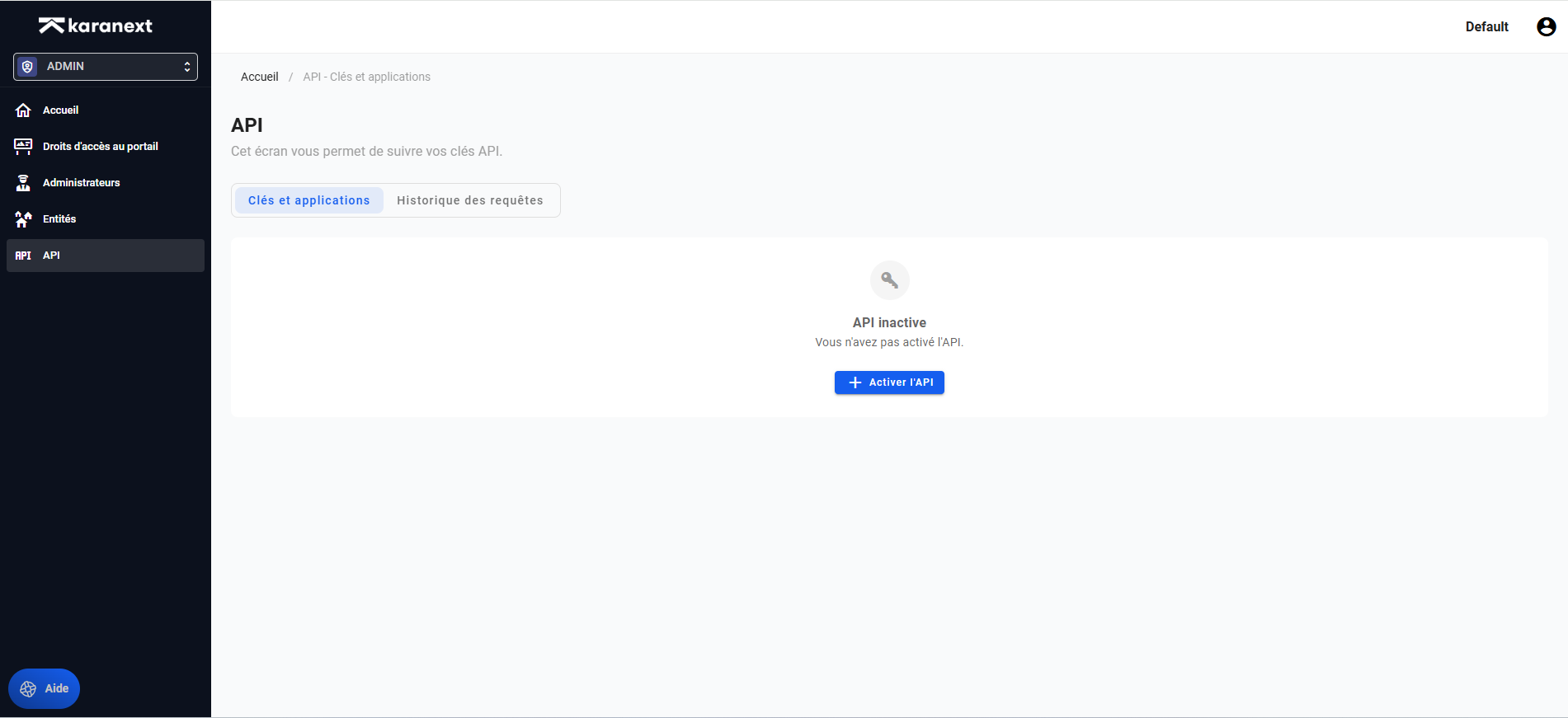
🔎 Result
The API is now active, and you can retrieve your client_id required for the next steps.
You can now create applications.